5 posts tagged with "technical-writing"

View All Tags

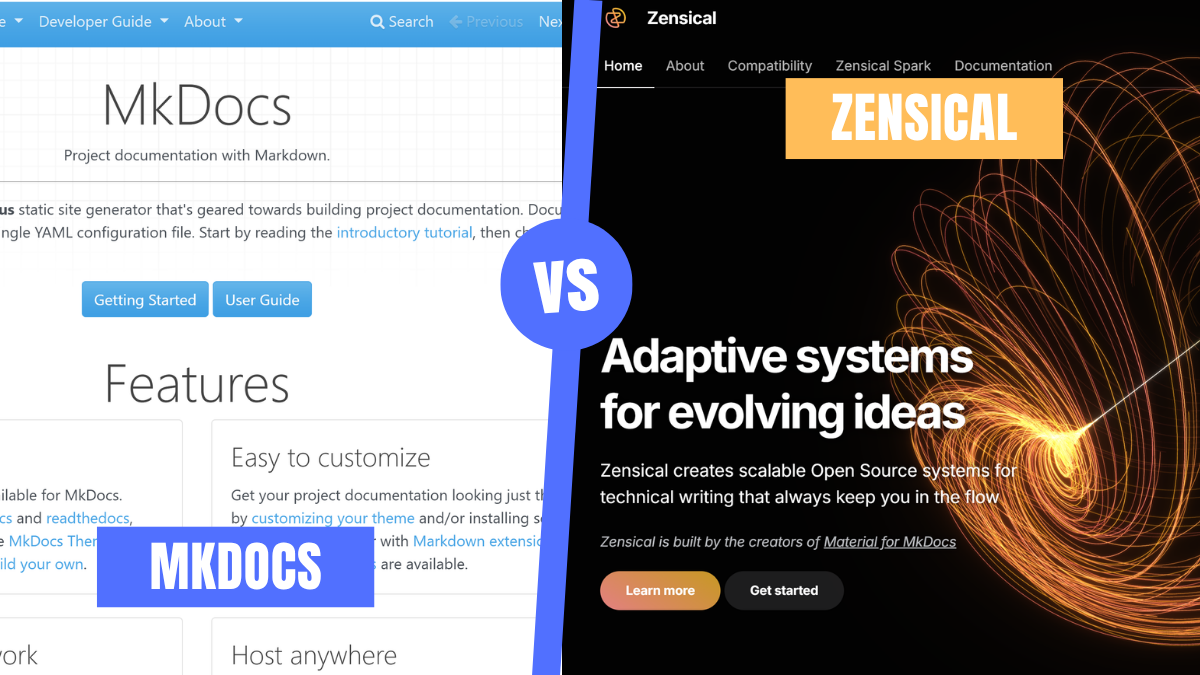
Migrating from Material for MkDocs to Zensical: A Documentation Engineer Walkthrough

· 14 min read
Faith Wachukwu
Documentation Engineer
#

If you maintain technical documentation in 2026, there’s a good chance you’re using MkDocs or Material for MkDocs.

You picked it for good reasons. You can get a docs site running in minutes, write everything in Markdown, deploy to GitHub Pages with a lightweight CI pipeline, and end up with a polished-looking documentation site without much setup.

What you might not know is that there is a shift. The team behind Material for MkDocs has introduced Zensical, a new static site generator written from scratch in Rust, and placed Material for MkDocs into maintenance mode. At the same time, MkDocs 2.0 is heading in a direction that won’t remain compatible with Material for MkDocs or much of its existing plugin ecosystem.

If your team builds docs-as-code, then this matters to you. In this walkthrough, you’ll learn what Zensical actually is, how to migrate an existing Material for MkDocs project step by step, and whether it makes sense to move now or wait.

Why On-Call Engineers Ignore Your Runbooks

· 5 min read
Faith Wachukwu
Documentation Engineer
#

It's 5:15 AM. An alert fires: payments-api, p99 latency > 2000ms for 5m. Olivia's on call. The team has a runbook, but that’s not where she looks for the solution. She completely ignores it. The last few times she followed one at 5 AM, the fix didn’t match the symptom, or the runbook links attached to the alerts were wrong. So she opens Slack, finds a thread from eight months ago, copies the fix, and goes back to bed.

You wrote that runbook. She didn't use it, and she had reasons. This isn't a failure on Olivia's part. Here's why on-call engineers reach for Slack history before the docs you maintain, and what you can do about it.

Documentation UX: Why It Matters More Than Accurate Content Alone

· 7 min read
Faith Wachukwu
Documentation Engineer
#

A user lands on your documentation looking for a quick answer. Instead, they hit a wall of text with no clear starting point. The steps assume knowledge they don't have yet. Within minutes, they're frustrated, and they blame the product.

Most teams believe that if the content is accurate and up to date, the docs are good. But accuracy is just a starting point. In this article, we’ll dive into how documentation is also about how information is experienced, how easily someone can find what they need, understand it, and solve the problem that brought them there. Which makes it part of the product experience.

I Built a CLI Tool That Writes Changelogs For You — Here's Why

· 6 min read
Faith Wachukwu
Documentation Engineer
I Built a CLI Tool That Writes Changelogs For You — Here's Why

Developers hate writing changelogs. Not because it's hard, but because it's boring. You already did the work, you wrote the code, you wrote the commit messages, you shipped the feature. Now someone wants you to write about it again, but prettier?

So most teams do one of three things: skip the changelog entirely, dump raw git log output into a file and call it done, or assign the task to whoever lost the last argument.

I decided to fix this with a Python CLI tool that reads your git history and uses AI to generate a clean, categorized, publish-ready changelog. One command. One file. Done. Here's the thinking behind it.

How to Write Documentation for Both Humans and AI Retrieval Systems

· 11 min read
Faith Wachukwu
Documentation Engineer
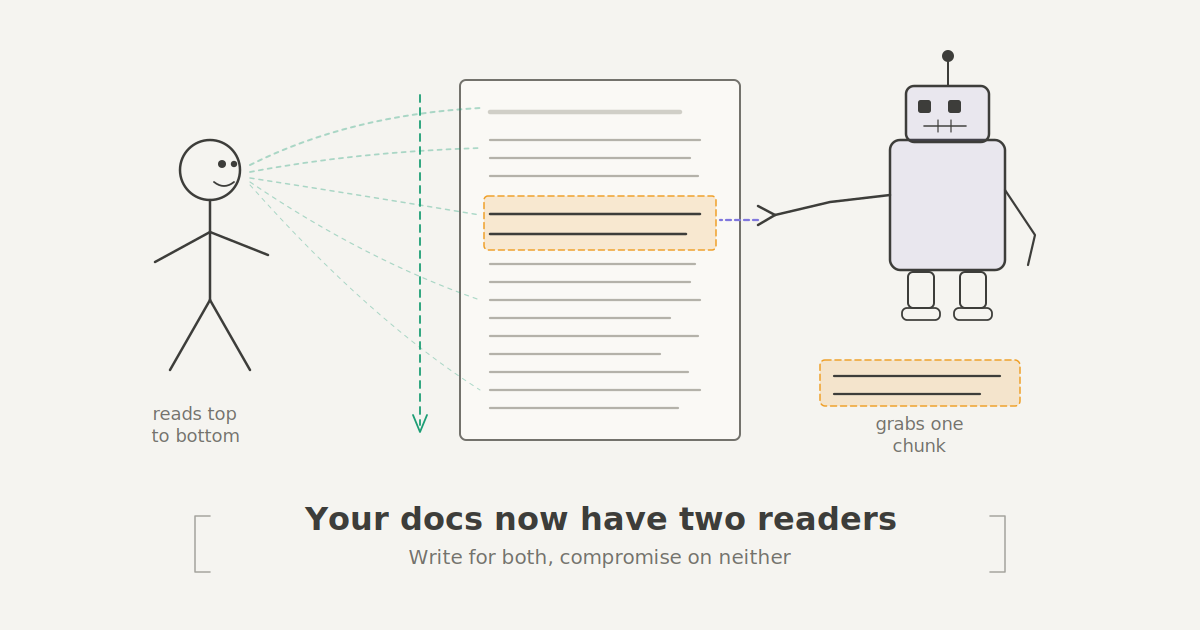
A hand-drawn style illustration showing a document in the center with two readers: a stick-figure human on the left reading the document from top to bottom, and a boxy robot on the right reaching in to grab a single highlighted chunk. Text reads: Your docs now have two readers. Write for both, compromise on neither.

Your documentation has a new reader, and it doesn't have eyes. AI tools like chatbots, IDE assistants, and Retrieval-Augmented Generation (RAG) systems now stand between your carefully written docs and the engineer who needs them. These tools chop your pages into chunks, search for relevant matches, and generate responses before a human ever visits the actual page.